SG-01
Live visualizer
iOS / Desktop
Sungalizer
Sungalizer turns live audio, instruments, records, apps, or an external mix into monochrome reactive visuals.
SG-OVERVIEW
Live audio visualizer
Version 1.1
Sungalizer is a live audio visualizer inspired by classic scopes, studio displays, and retro signal screens.
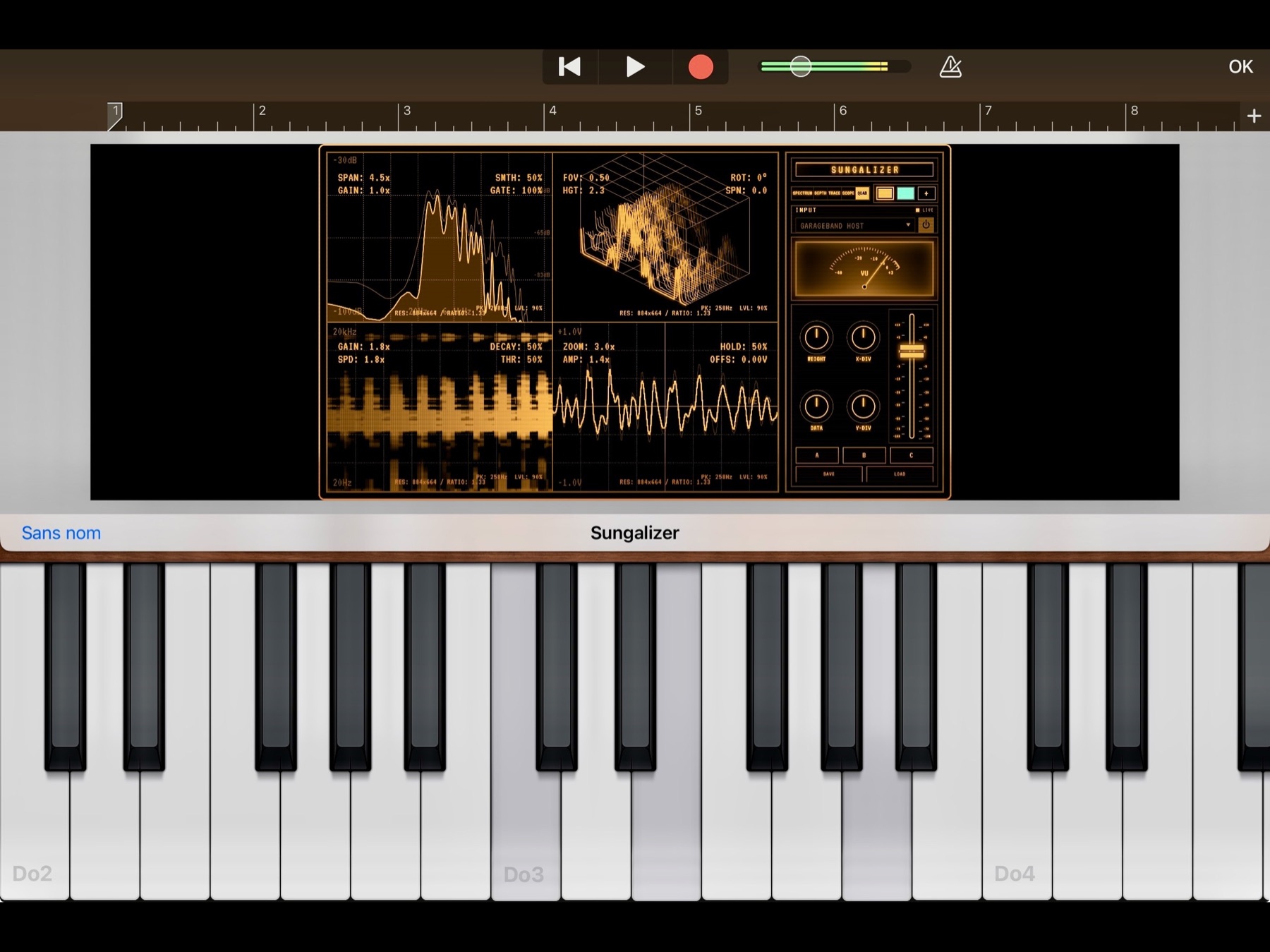
Use it standalone with your microphone or a compatible connected audio source, or load it as an AUv3 audio effect in a compatible iOS or iPadOS music host.
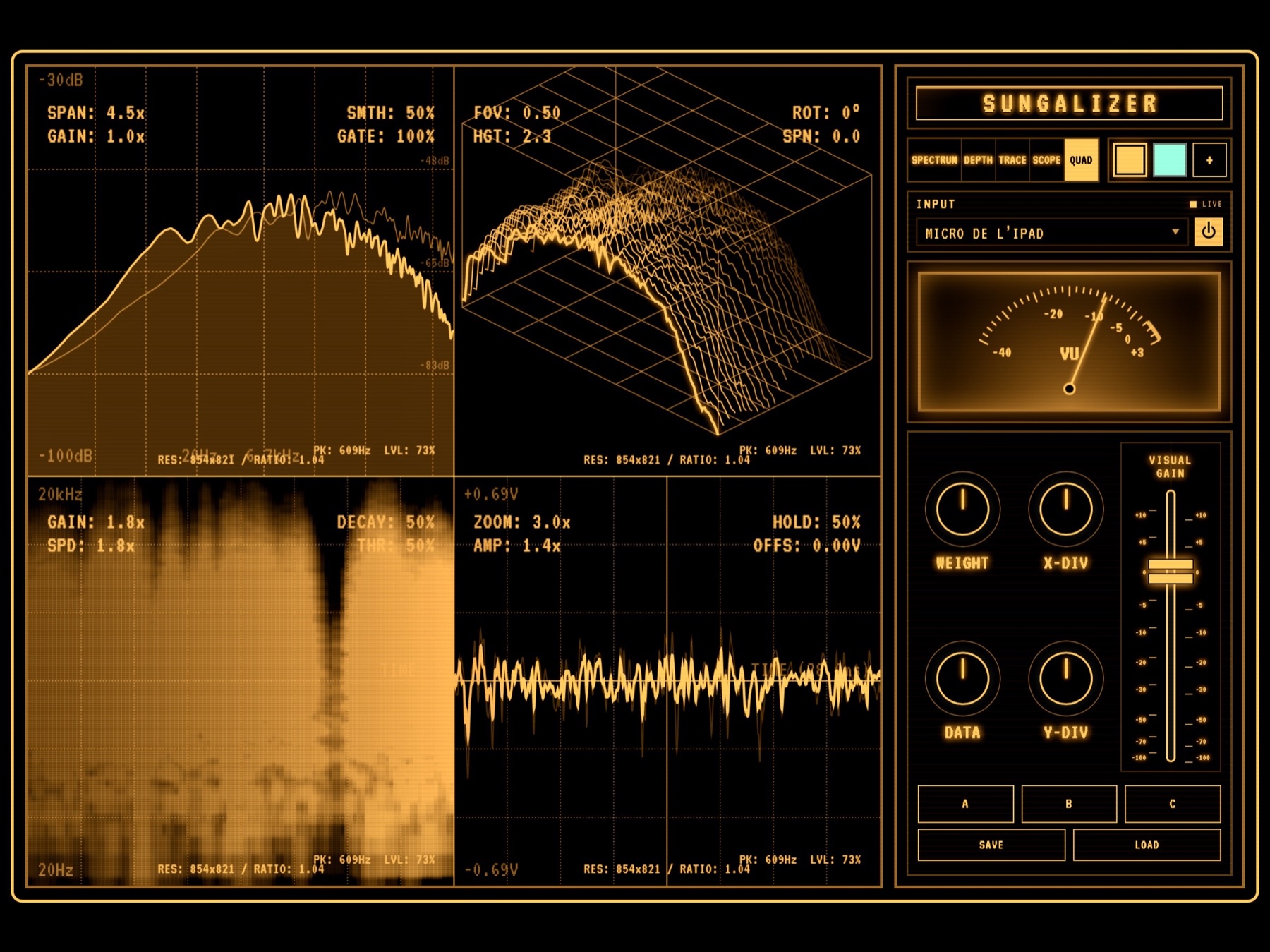
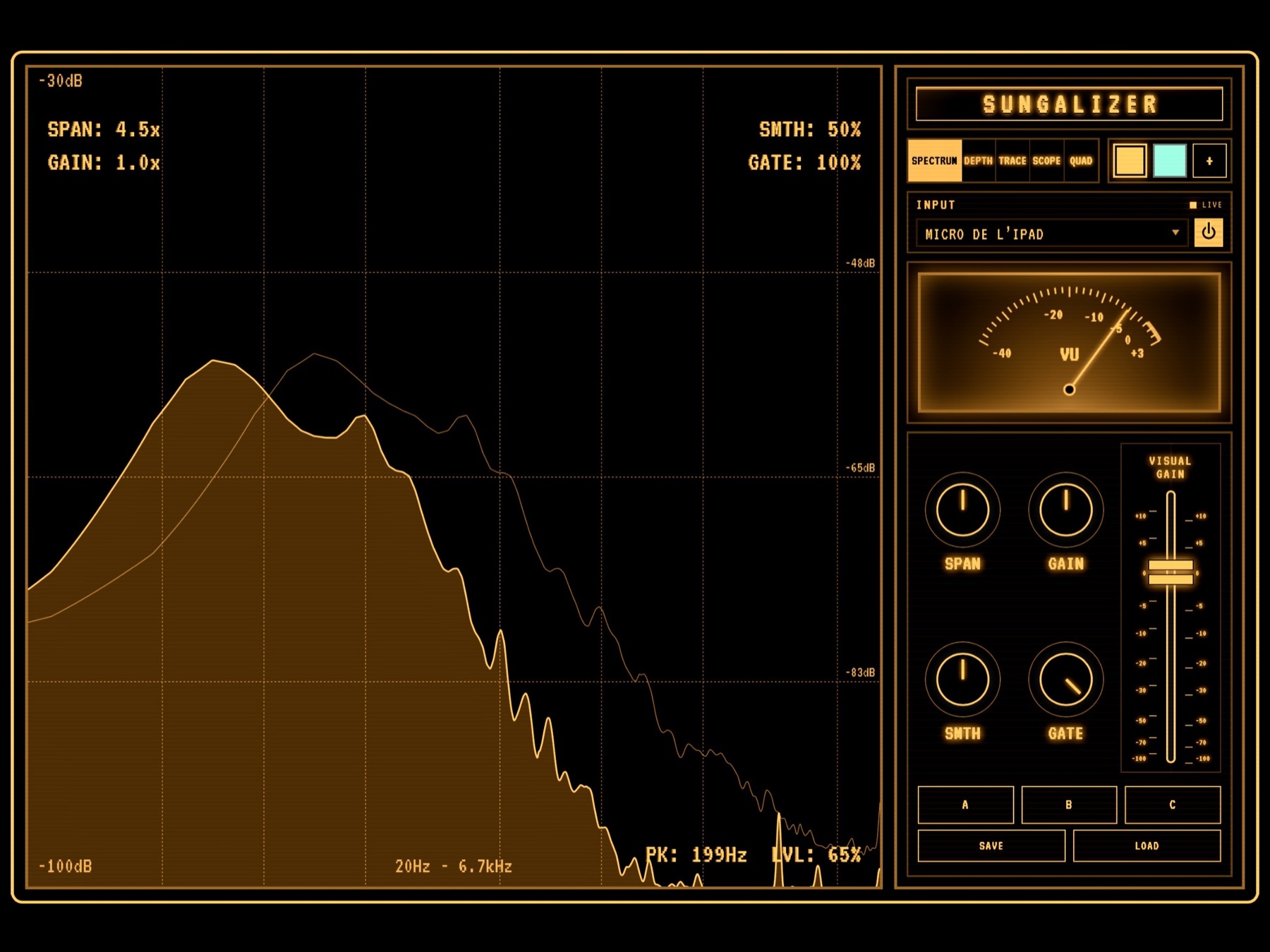
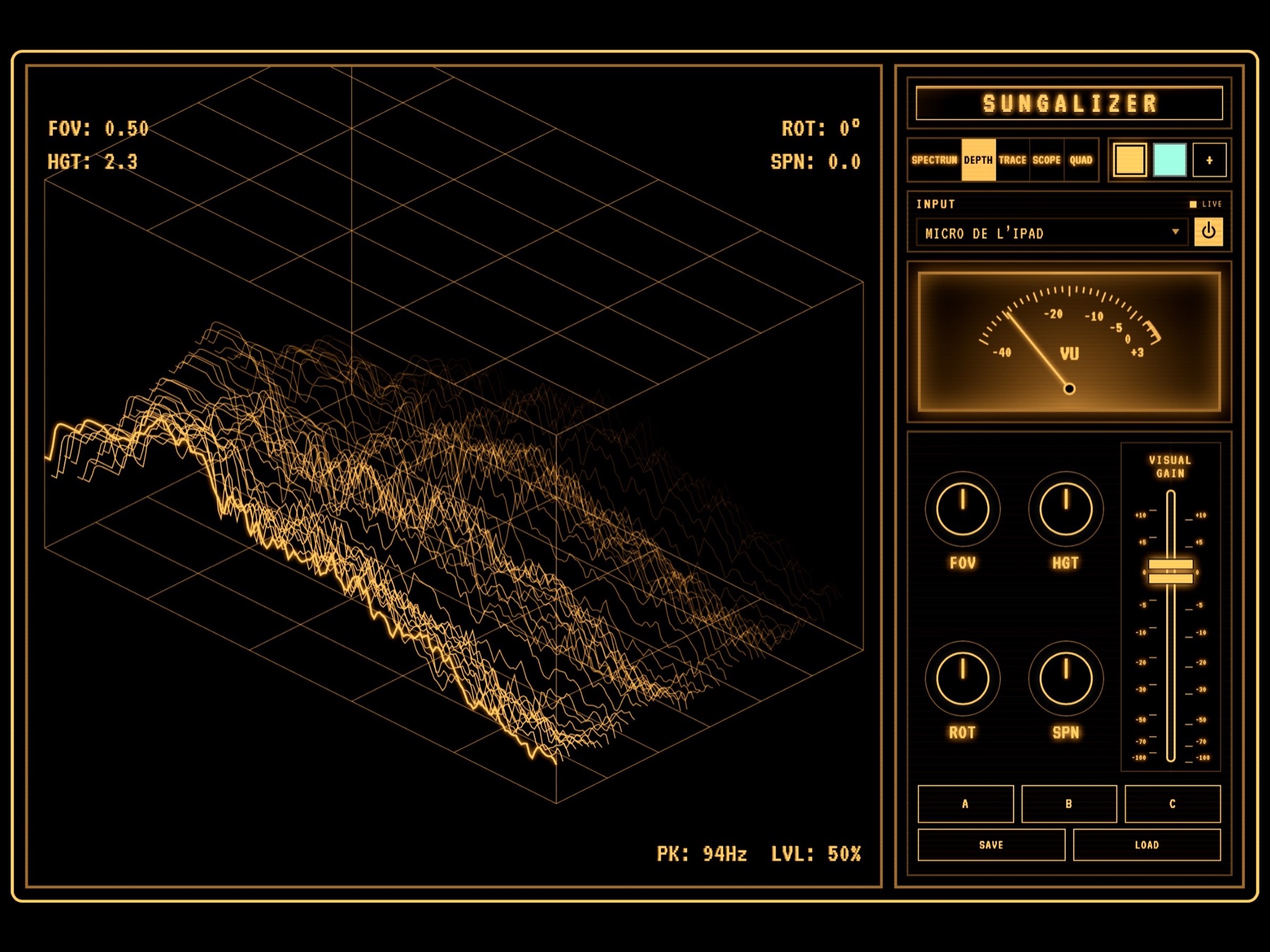
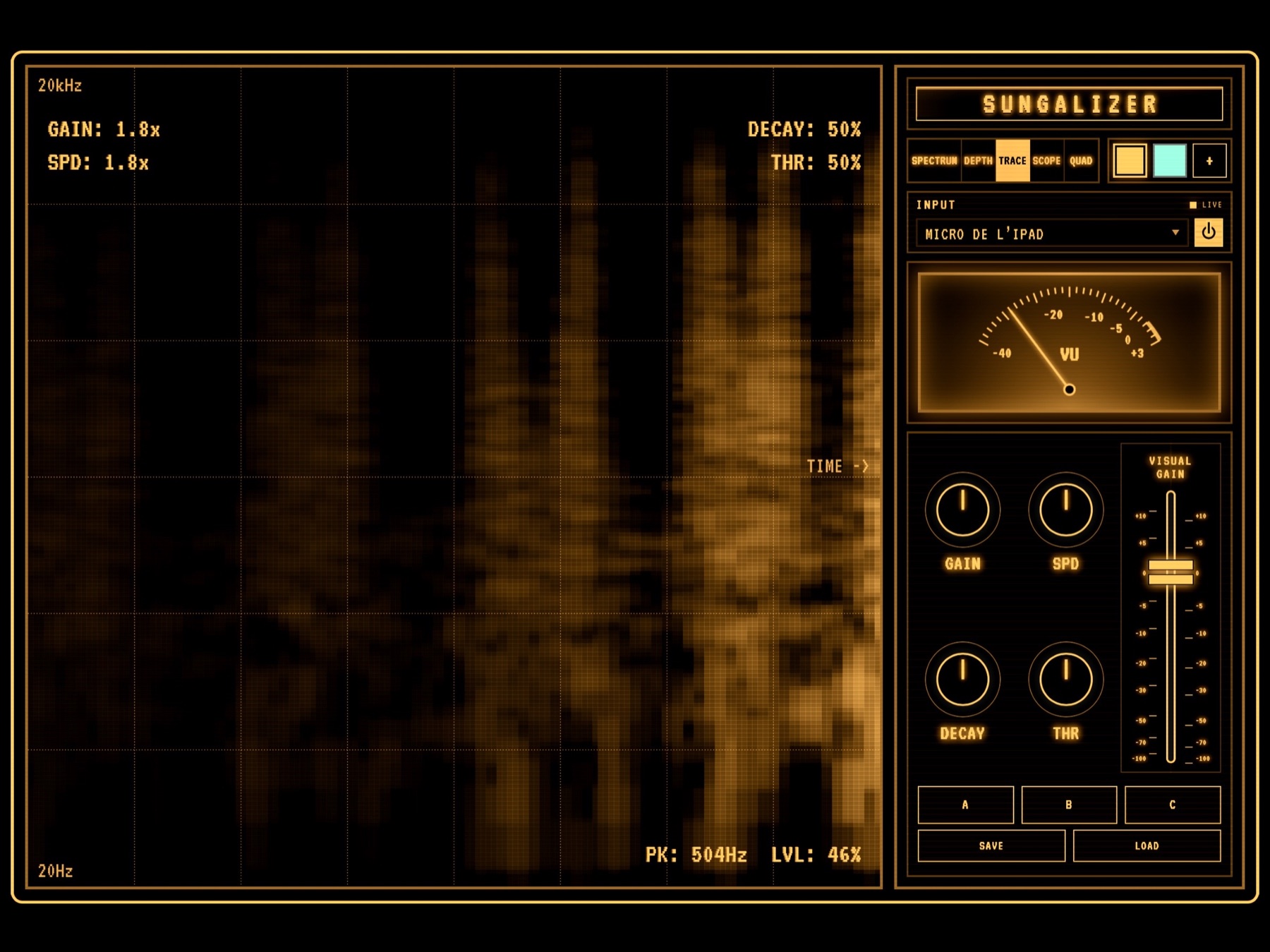
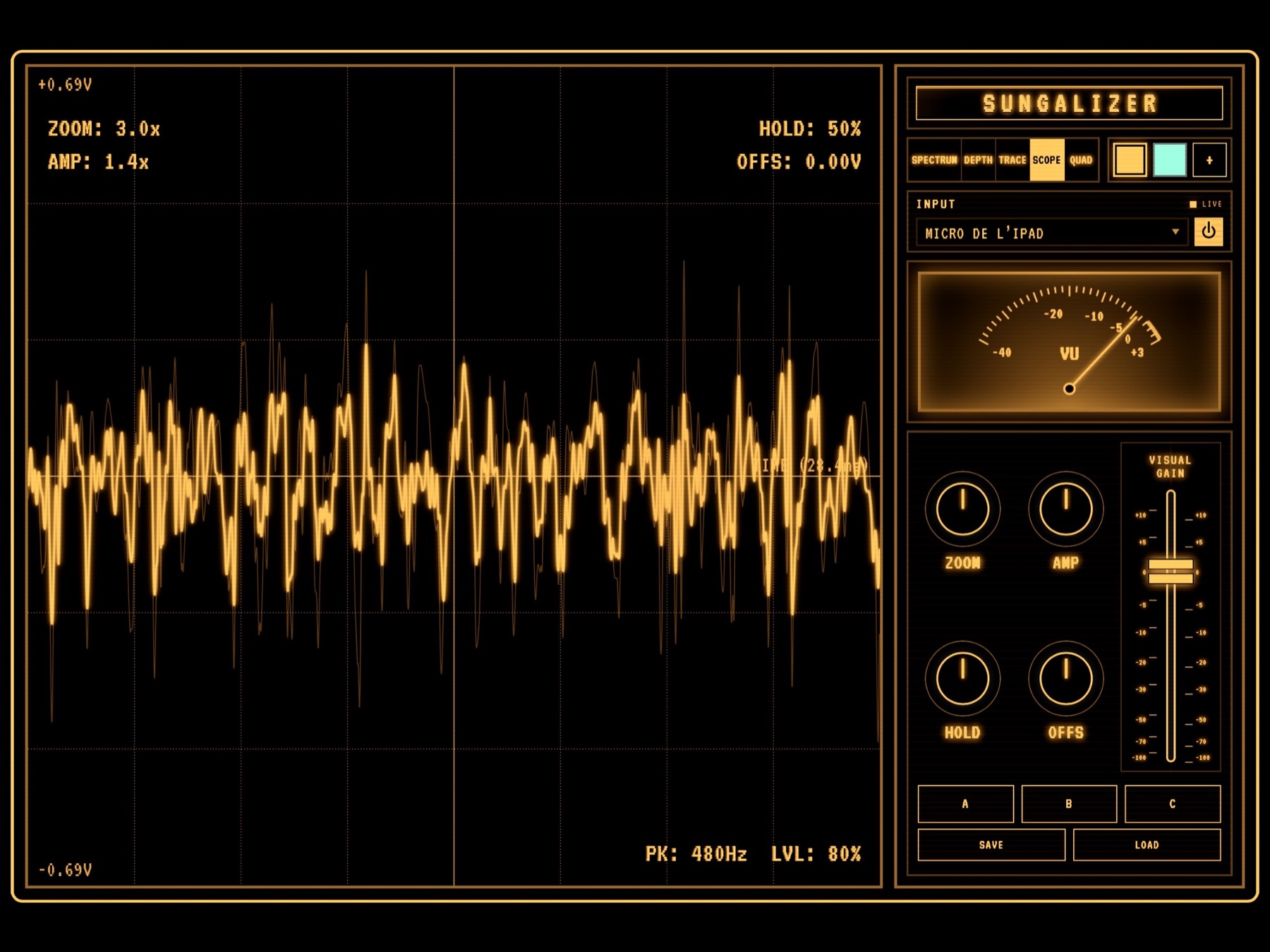
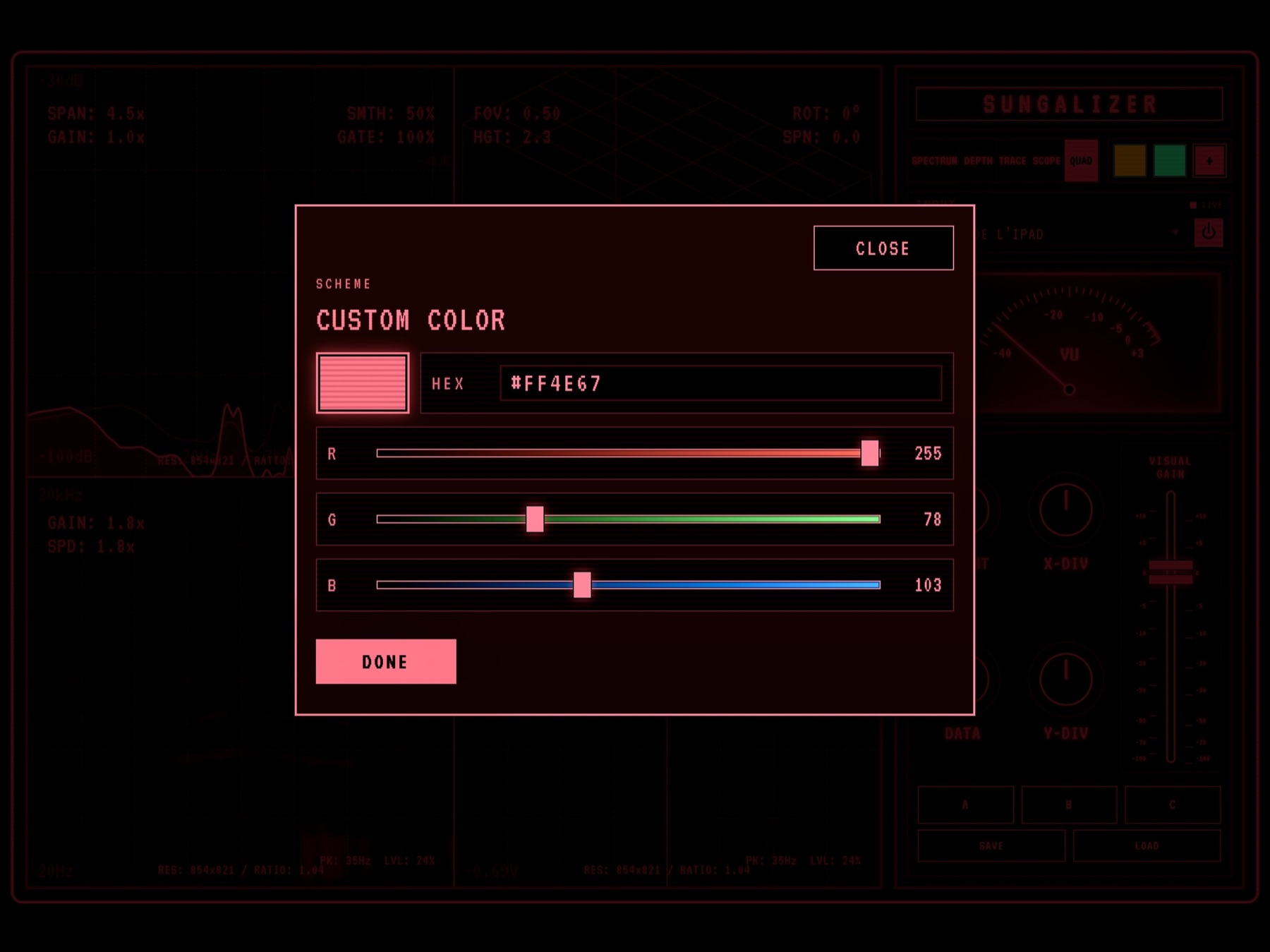
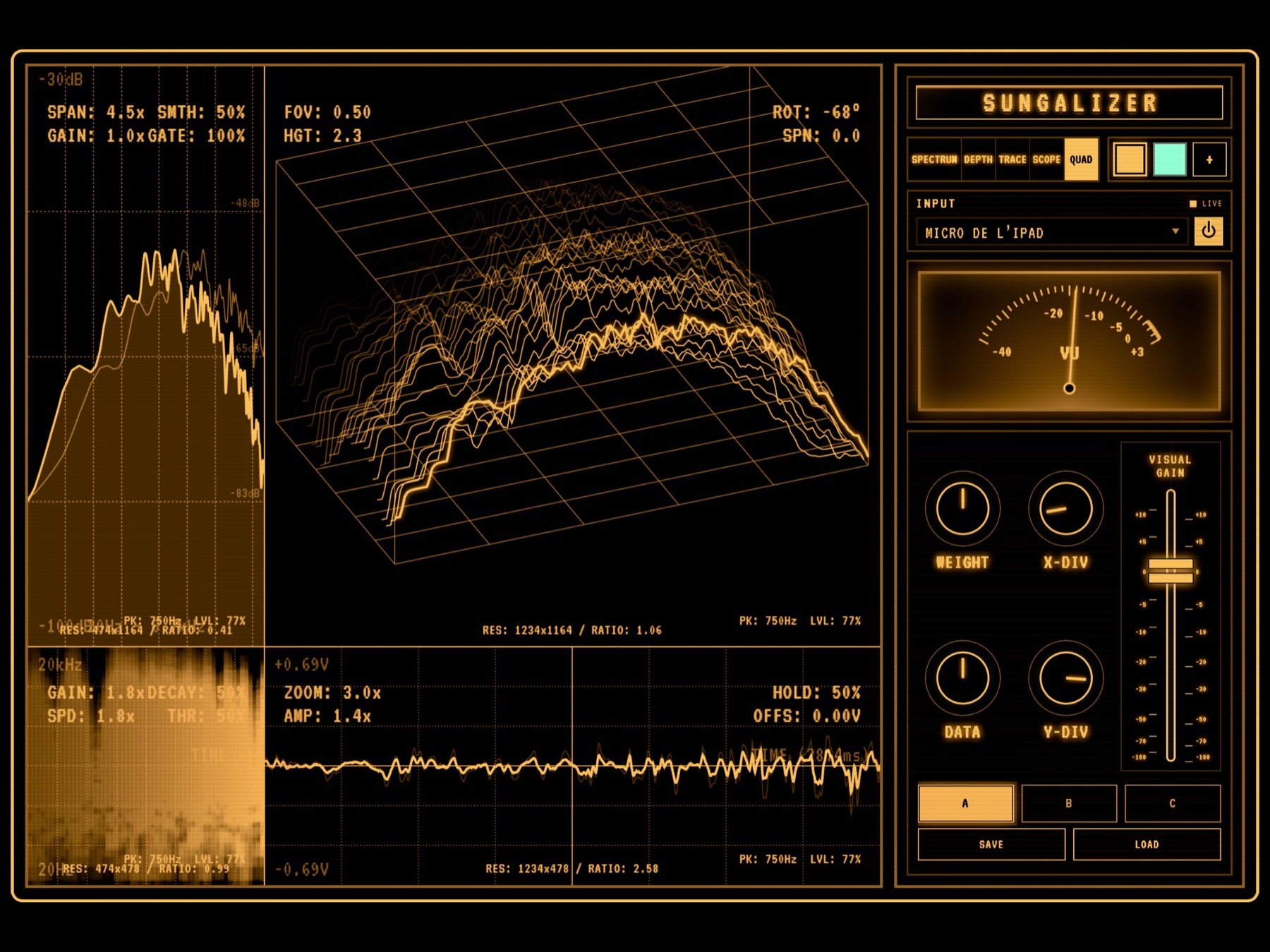
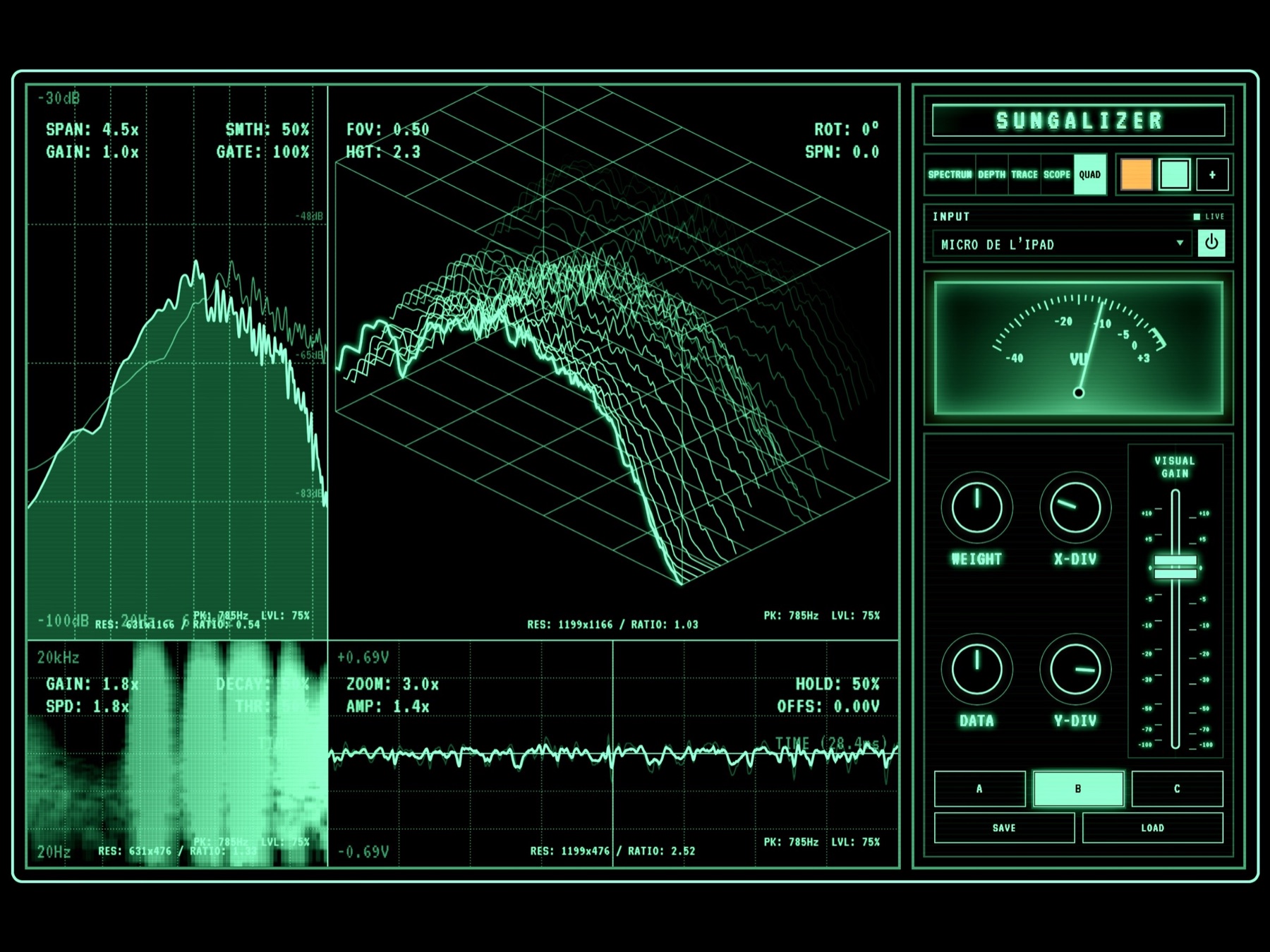
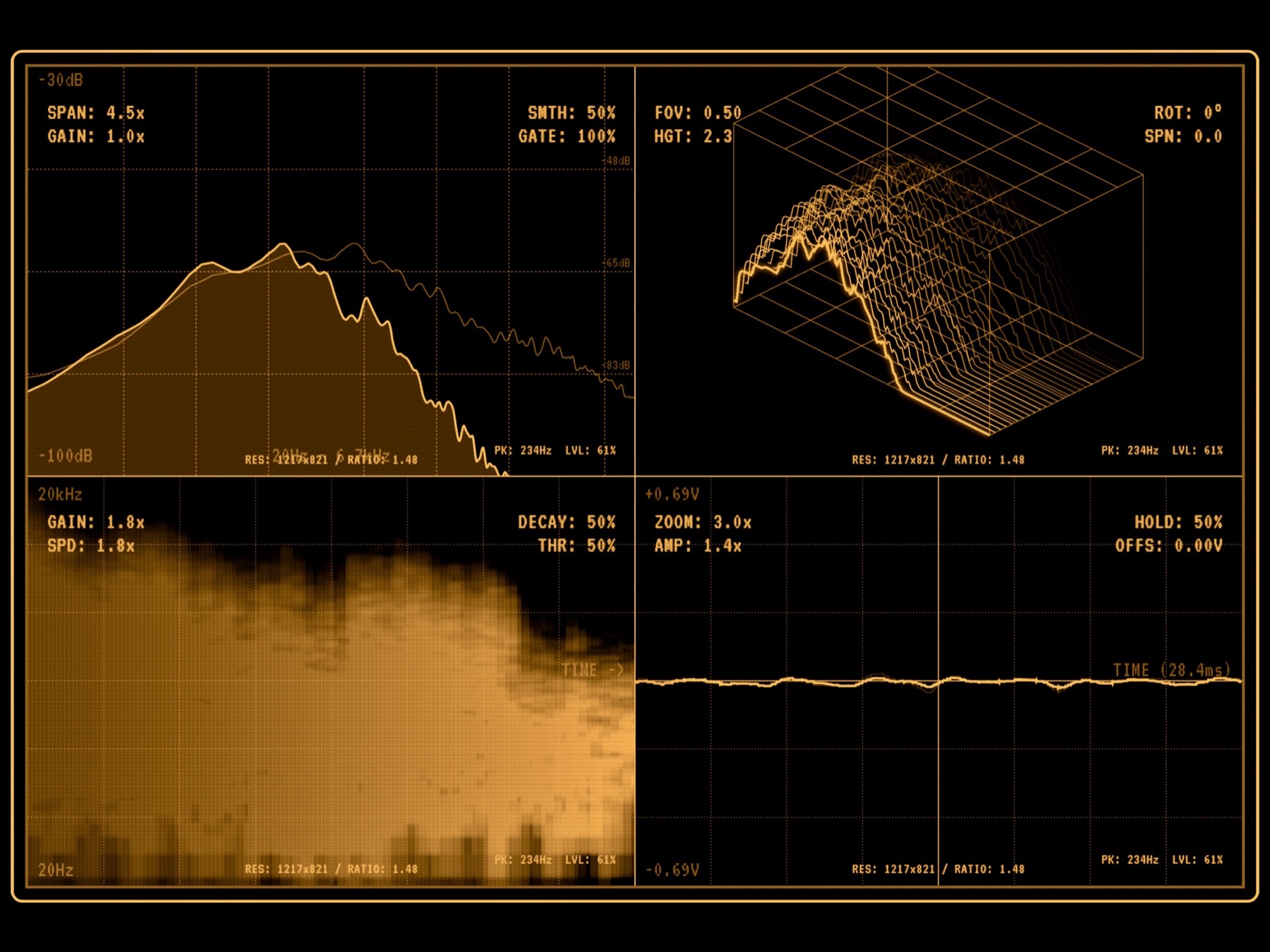
Incoming sound drives five real-time visual modes: Spectrum for frequency motion, Depth for dimensional landscapes, Trace for scrolling spectral memory, Scope for waveform display, and Quad for a combined view.
Three preset slots let you save and recall visual setups. Adjust the controls, select slot A, B, or C, then tap Save. To restore a setup, select its slot and tap Load.
The control rack keeps input and display settings close at hand. Double-tap the visual display to hide the right-hand rack for a full-screen view, then double-tap again to show the controls.
Built for artists, musicians, and performers, Sungalizer turns synths, mixers, audio interfaces, live sets, voices, and routed tracks into expressive motion.
SG-AVAILABILITY
Mobile / Desktop
Version 1.1